
Download TimeLive by Livetecs – time tracking, time management, freelancing, remote work, productivity, expense tracking, billing automation, cloud backup, secure data, work hours
Overview
TimeLive by Livetecs is a mobile application designed to simplify time tracking and financial management for freelancers, remote workers, and small business teams. The app aims to address the common challenge of inaccurate or inconsistent time logging, which can lead to billing discrepancies, missed payments, and inefficient workflow management. By automating core tracking and reporting functions, TimeLive enables users to maintain precise records of work hours and financial activities directly from their smartphones.
The target audience includes independent professionals who rely on hourly billing, remote teams managing multiple projects, and entrepreneurs seeking streamlined operations. The app integrates time tracking with expense and income monitoring, providing a unified platform for productivity and financial oversight. This consolidation reduces the need for multiple tools, minimizing administrative overhead and improving accuracy.
Developed by Livetecs, the app reflects a focus on practical utility and workflow optimization. While specific details about the company’s background were not provided, the app’s functionality suggests a strong emphasis on user efficiency and data security. Real-world use cases include freelance consultants logging billable hours during client calls, remote developers tracking project time across different clients, and small business owners generating payroll reports without manual data entry.
Within the productivity app ecosystem, TimeLive fills a niche by combining time tracking with financial management—features often found in separate platforms. Its presence underscores the growing demand for all-in-one tools that support digital independence and financial transparency in modern work environments.
Key Features & Functionality
- One-Click Time Tracking: Users can start and stop time entries with a single tap, minimizing interruptions to their workflow. This feature is ideal for professionals who switch between tasks frequently and need to maintain accurate records without delays.
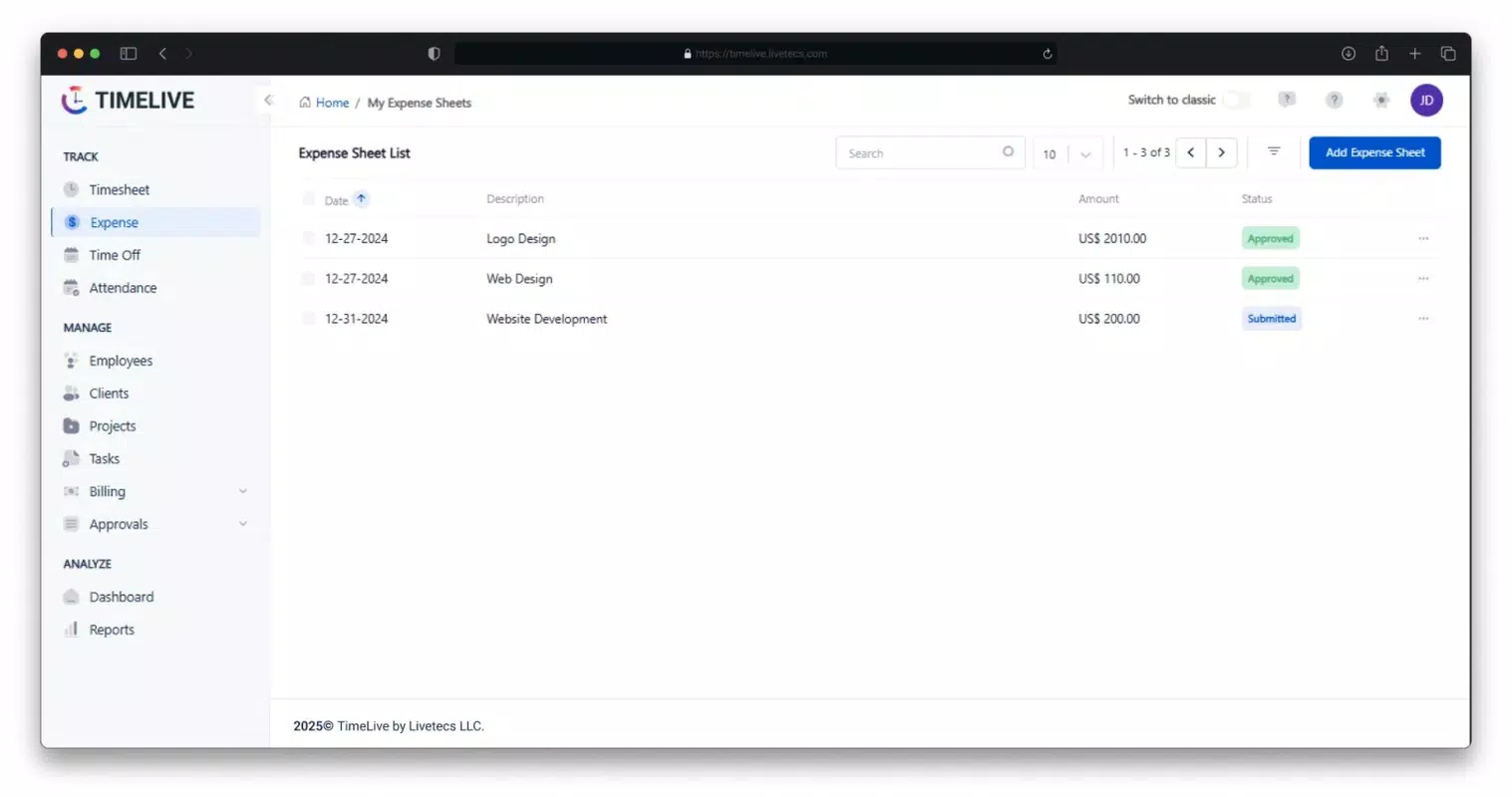
- Expense & Income Management: The app allows users to log and categorize expenses alongside income data, offering a clear view of financial performance. This is particularly useful for freelancers who must track both client payments and business-related costs.
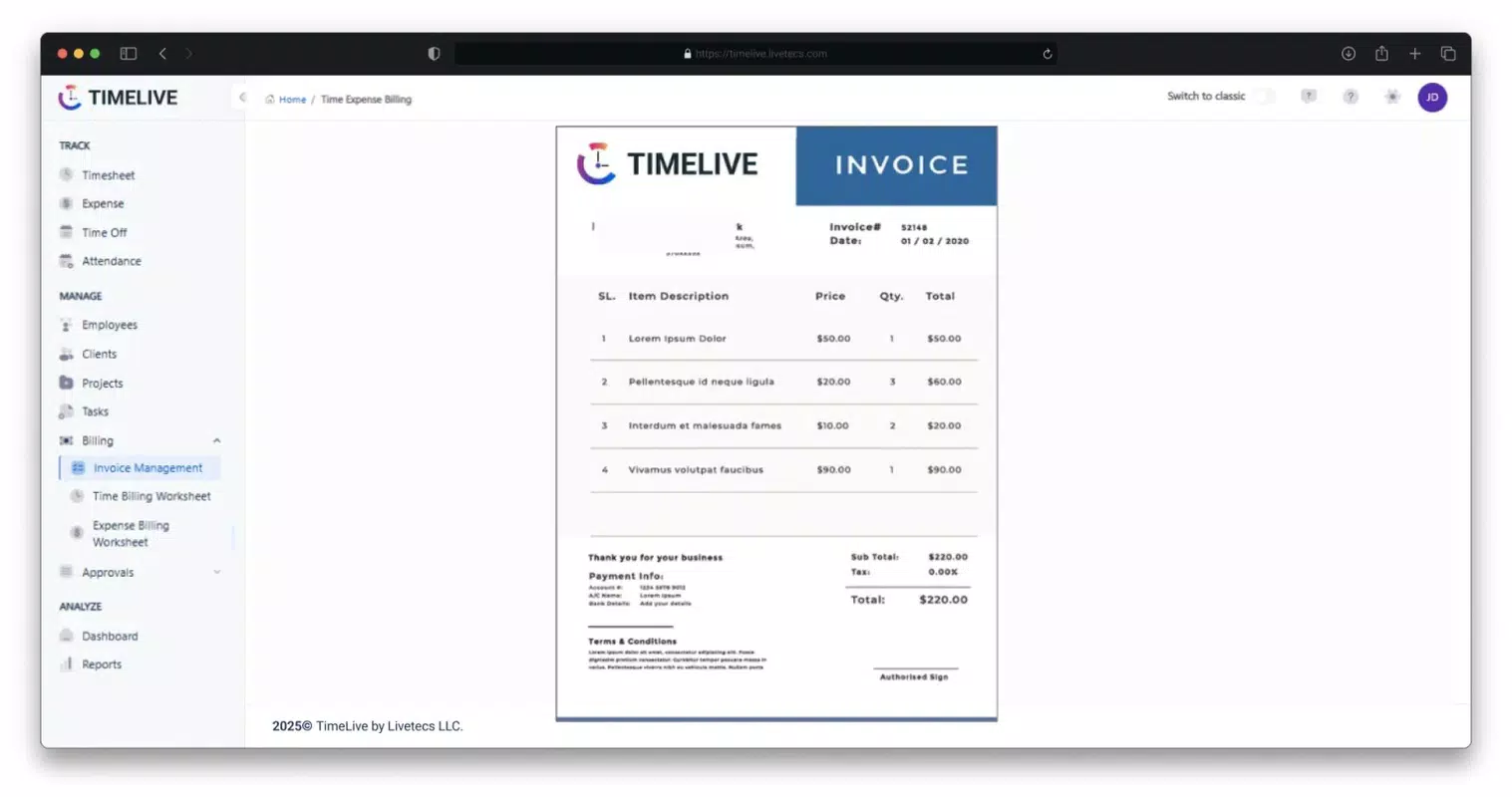
- Automated Billing & Payroll Reports: TimeLive generates invoices and payroll summaries automatically based on tracked hours and financial inputs. This reduces manual effort and helps ensure timely client billing and internal compensation.
- Cloud Backup & Security: All user data is stored securely in the cloud, protecting against device loss or failure. The encrypted backup system ensures that sensitive information remains private and accessible across devices.
For example, a freelance graphic designer can begin tracking time while working on a client project with one tap, later add related travel expenses, and generate a client invoice with a few more taps. Similarly, a remote team leader can compile time logs across team members and produce a payroll report without exporting data from multiple sources. These real-world applications demonstrate how TimeLive supports both individual and collaborative productivity.
Interface, UX & Performance
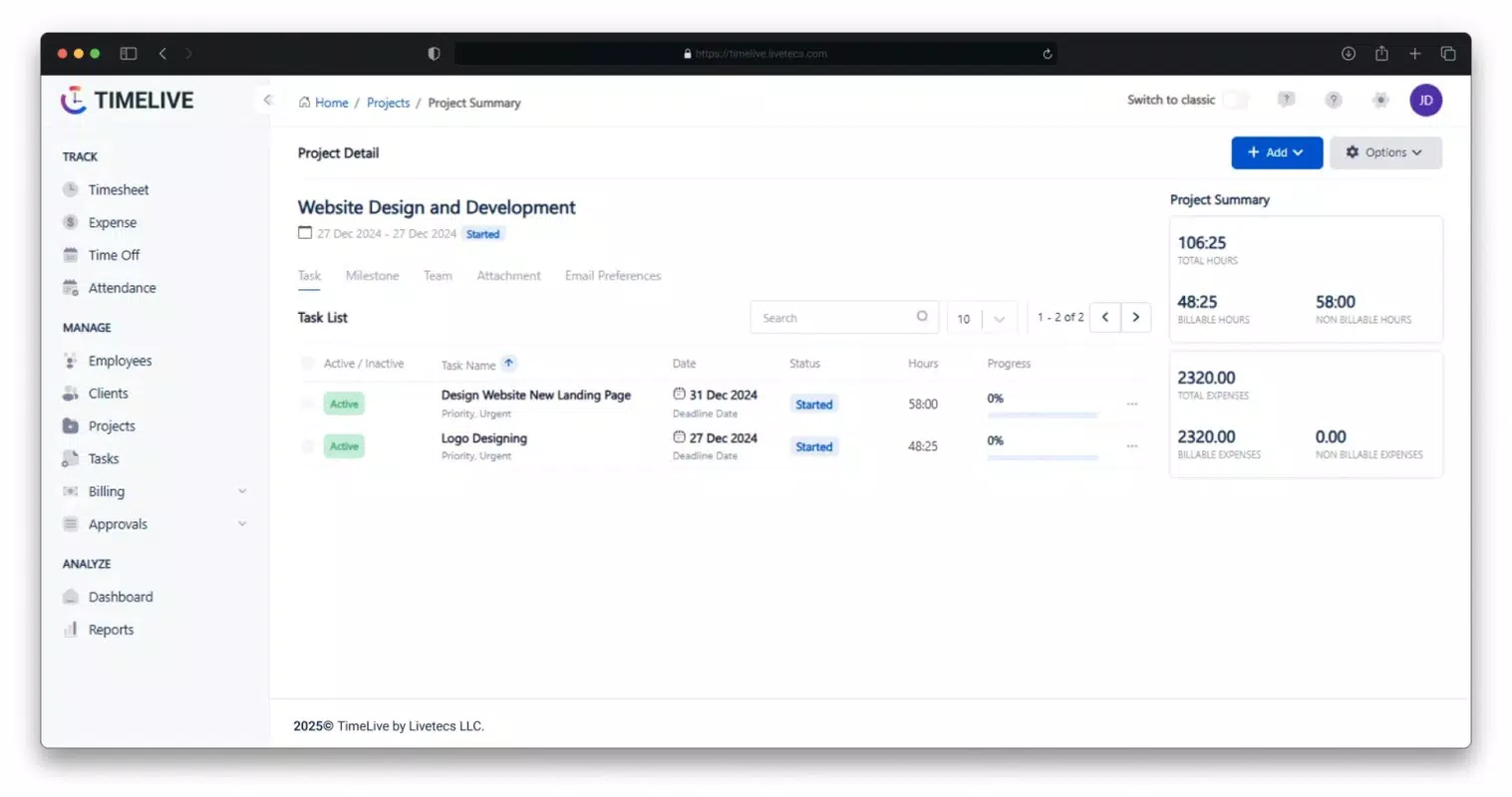
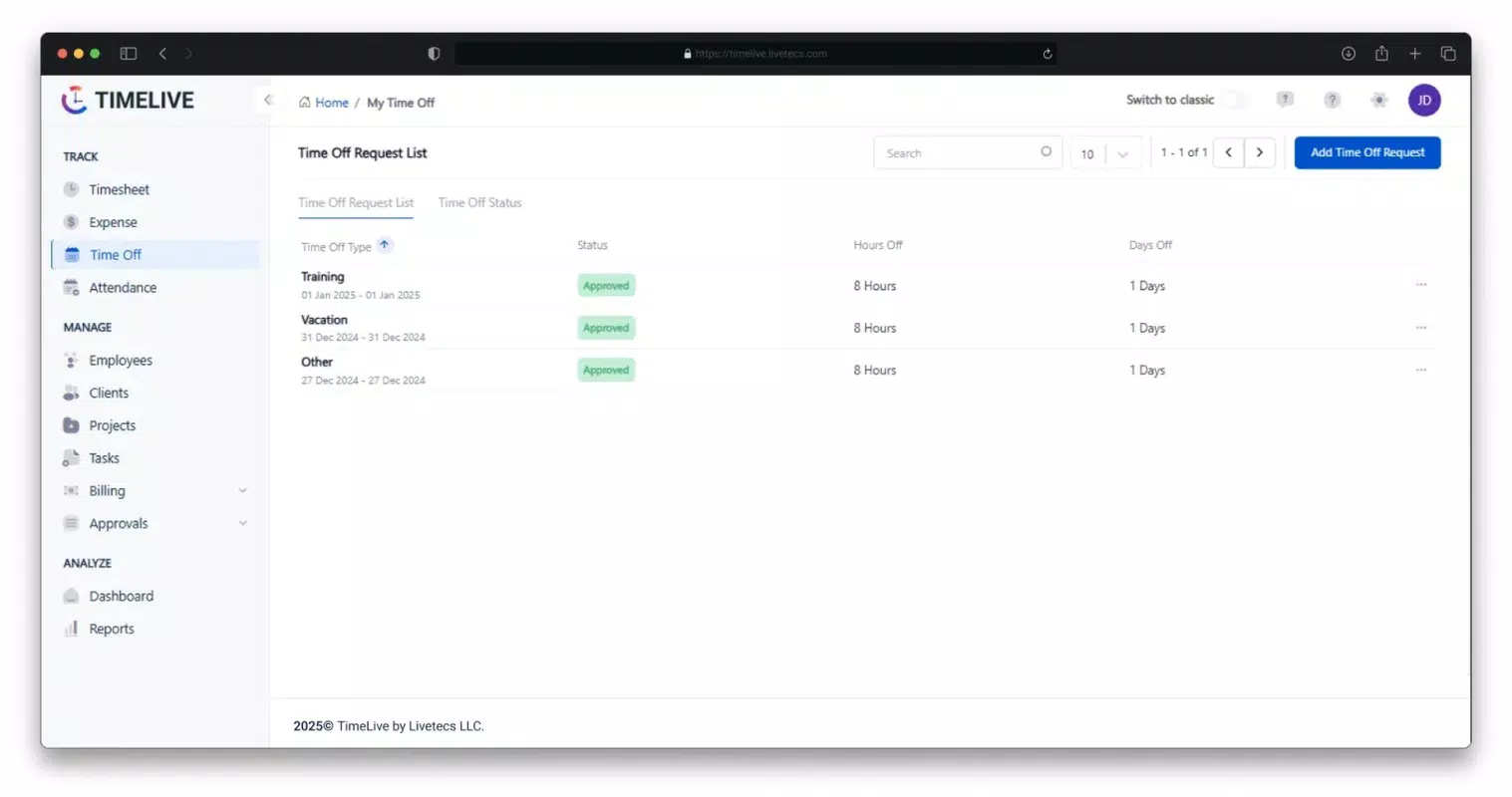
The interface of TimeLive by Livetecs is designed with simplicity and clarity in mind. The layout emphasizes key actions—such as starting a timer, viewing tracked hours, and accessing financial summaries—through intuitive icons and a clean navigation structure. Users can quickly access recent projects, current timers, and financial dashboards without navigating through multiple layers.
Visual style leans toward a minimalist approach, using neutral colors and legible typography to reduce cognitive load. The app maintains consistent spacing and alignment, contributing to a professional and focused user experience. Navigation is linear and predictable, with a bottom tab bar that provides quick access to core sections: Home, Time, Expenses, Reports, and Profile.
Although the developer did not list formal performance metrics, the app’s lightweight size of 35.2 MB suggests efficient resource usage. Users on mid-range and high-end devices can expect smooth transitions and responsive interactions. Stability appears to be prioritized, with no indication of crashes or freezes in the available information. The app responds promptly to user inputs, and screen loading times are minimal, ensuring uninterrupted workflow.
For users managing multiple projects or tracking long work sessions, the interface remains stable and functional. While specific compatibility with older devices was not disclosed, the app’s lightweight footprint implies broad accessibility across a range of Android and iOS devices.
Platform Compatibility & Technical Requirements
TimeLive by Livetecs is available on both Android and iOS platforms, making it accessible to a wide range of smartphone users. The app is designed to run on current versions of these operating systems, though specific minimum OS requirements were not listed by the developer.
The application has a file size of 35.2 MB, which is relatively small for a productivity app with integrated financial tools. This suggests optimized code and efficient data handling, contributing to faster downloads and lower storage usage. The current version is 1.0.0, indicating a stable initial release with foundational features in place.
Compatibility information was not fully disclosed, so users are advised to check their device’s OS version and available storage before installation. The developer did not specify whether the app supports tablets or other form factors. While the app appears well-suited for mobile use, details about cross-device sync or desktop integration remain unclear.
Pros and Cons
Pros
- Intuitive, user-friendly interface with minimal learning curve
- One-click time tracking for seamless workflow integration
- Integrated expense and income management in a single app
- Automated billing and payroll reporting reduces manual work
- Cloud backup ensures data safety and accessibility
- Free to download and use with no in-app purchases
Cons
- Specific OS version requirements were not disclosed
- Details about cross-device synchronization were not provided
- No information on support for tablet or desktop platforms
- Advanced reporting features were not described
- Developer did not share information about update frequency
FAQ
Is TimeLive by Livetecs safe to use?
Yes, the app uses cloud-based storage with secure data encryption to protect user information. The developer emphasizes data privacy and reliability through cloud backup.
Can I use TimeLive on both Android and iOS?
Yes, the app is available on both Android and iOS platforms, allowing users to access their data across different device ecosystems.
Does TimeLive require an internet connection?
While basic time tracking may function offline, features such as cloud backup, automated reports, and syncing require an active internet connection.
How often does the app update?
The developer did not specify the update frequency. Users are encouraged to check their app store for the latest version.
Is there a desktop version of TimeLive?
As of now, no desktop version has been announced. The app is currently designed for mobile use only.
Final Thoughts
TimeLive by Livetecs presents a compelling solution for freelancers and remote professionals seeking to streamline their time and financial management. Its core strength lies in combining essential tools—time tracking, expense logging, billing automation, and secure cloud storage—into a single, accessible mobile app. The intuitive interface and one-click functionality reduce friction, enabling users to focus on their work rather than administrative tasks.
While some technical details remain undisclosed, the app’s lightweight design, free access, and clear value proposition make it a strong contender in the productivity space. It is particularly beneficial for individuals managing multiple clients or projects who need accurate, real-time data without the complexity of separate tools.
For those looking to improve workflow efficiency and financial oversight, TimeLive offers a practical, secure, and user-centered approach to modern work management. With its focus on automation and data integrity, it stands out as a reliable companion for digital professionals.
Download TimeLive by Livetecs now


